Access
Who sees the API tab, and what they can see with it.
The API tab is for developers. A user sees it when one of their user groups has the View Delivery API output permission. The package gives it to Administrators once, when it is installed, so out of the box only administrators see the tab. That includes any documents where Administrators already has permissions of its own. If you later remove it from Administrators, it stays removed.
Give a group the tab
Open the user group
In the backoffice, go to Users, then User groups, and open the group.
Tick the permission
Under Default permissions for documents, turn on View Delivery API output, and save. Members see the tab the next time they load the backoffice.
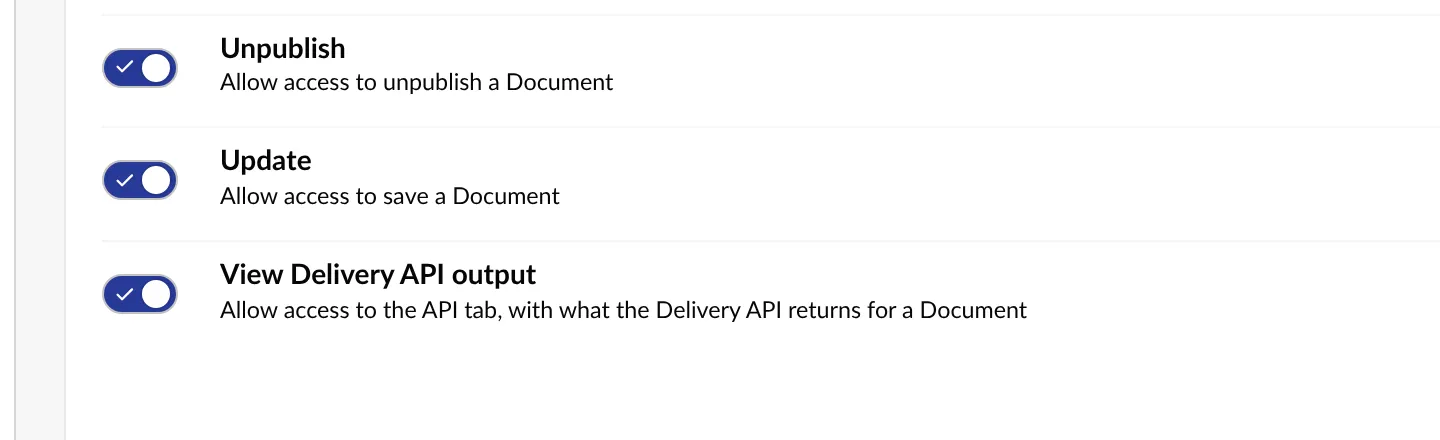
Like Umbraco’s own document permissions, it can also be set for part of the content tree, under Permissions on the same group. There it opens or closes the tab for a document and everything below it, and the closest setting on a document’s path wins.
Media items have no permissions of their own in Umbraco, so the tab on media follows a group’s default document permission.
Groups named in settings
To keep access in code instead, name the groups in UserGroups. Members of those groups see the tab on every item, whatever their permissions.
What a user can see
A user with the tab sees an item’s output only when they could browse the item anyway: the document needs the Browse permission for that user, and the item has to be inside the user’s start nodes. Otherwise the tab answers that the item does not exist, or that they cannot browse it.
The content type labels in the tree link to the document or media type only for users with access to the Settings section. Everyone else sees the same labels as plain text.
The package’s API is at /umbraco/delivery-api-inspector/api, behind the backoffice’s own sign-in, and is left out of the Management API’s OpenAPI document. It builds the response on the server, so the browser never needs the Delivery API key, and the key is never sent to it.
Production
The tab only reads, so it is safe on a production site. To turn it off there, set DeliveryApiInspector:Enabled to false for that environment.